
There are quite a few components to the standard WooCommerce store:
Orders
Customers
Subscriptions
Products
Categories
Refunds
And more...
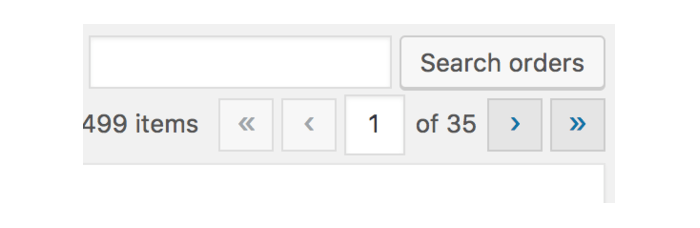
Searching any of these individually isn't too difficult, depending on how advanced you want to search. For example in WooCommerce, searching orders can be done from the top right of the orders admin page (WooCommerce > Orders):
Similarly, you can search customers from the users admin page, found under Users:
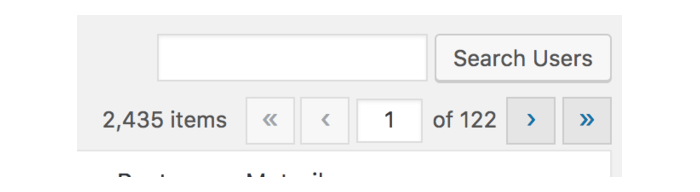
The problem is when you want to search not just orders or not just customers, but both, at the same time. Similarly, you may want to see any related subscriptions when searching too. For example, you get a call from a customer and want to pull up their data. It can be a bit of work to search for their orders, subscriptions, and customer profile, one-by-one. Likely you'll just end up stressed out with 3 tabs open.
Knowing this is a problem, I recently added a new feature to Metorik that should make this process much easier for you.
Quick note: This is in addition to Metorik's powerful segmenting & filtering system that lets you filter your data by everything and anything. Read more about it here.
At the top of every page in Metorik, there's a new global search bar. It's a neat, efficient way to quickly search your entire store in seconds, not minutes. It looks a little bit like this:
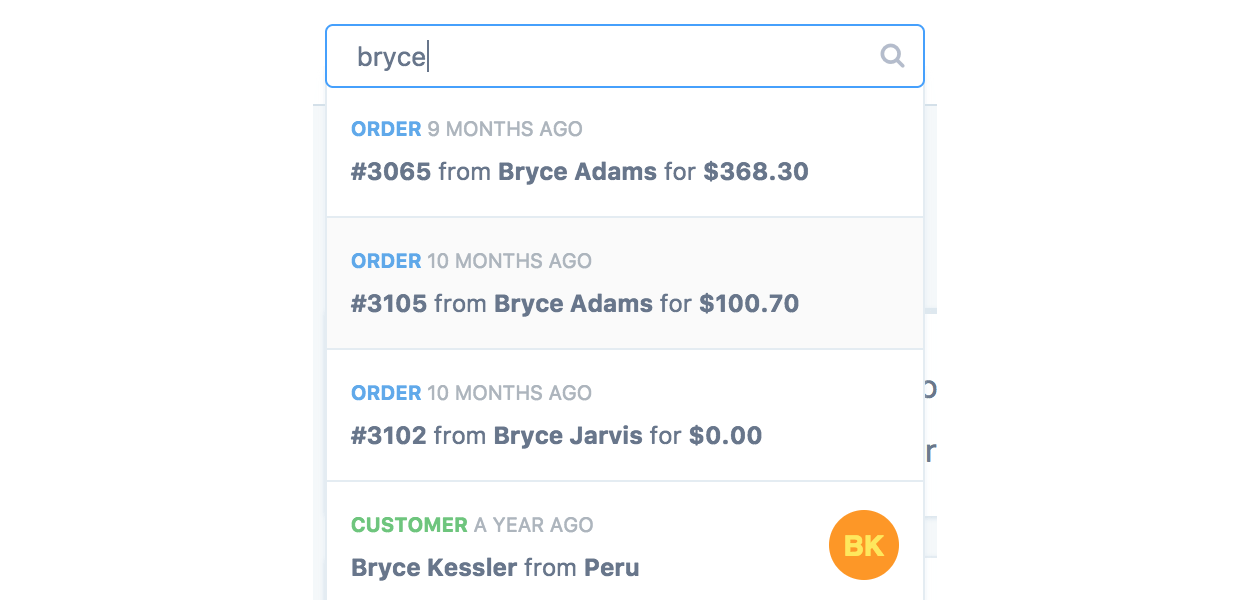
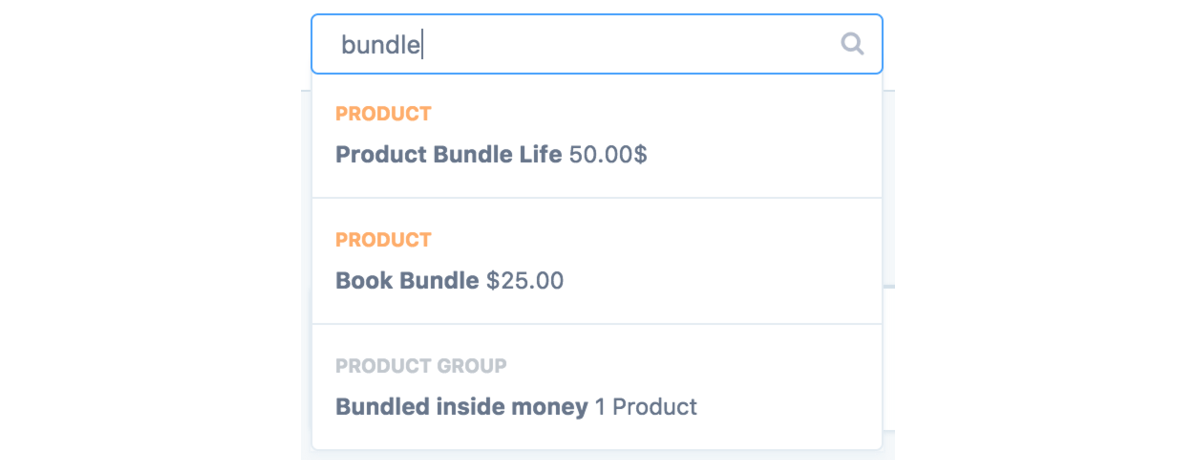
When used, it will search through everything in your store. So not just order data, but product & category data too:
Another cool thing is does is let you search through Metorik data too. So if you've used the saved filter feature I linked to above and created some custom segments, you can easily access them from the search bar too:

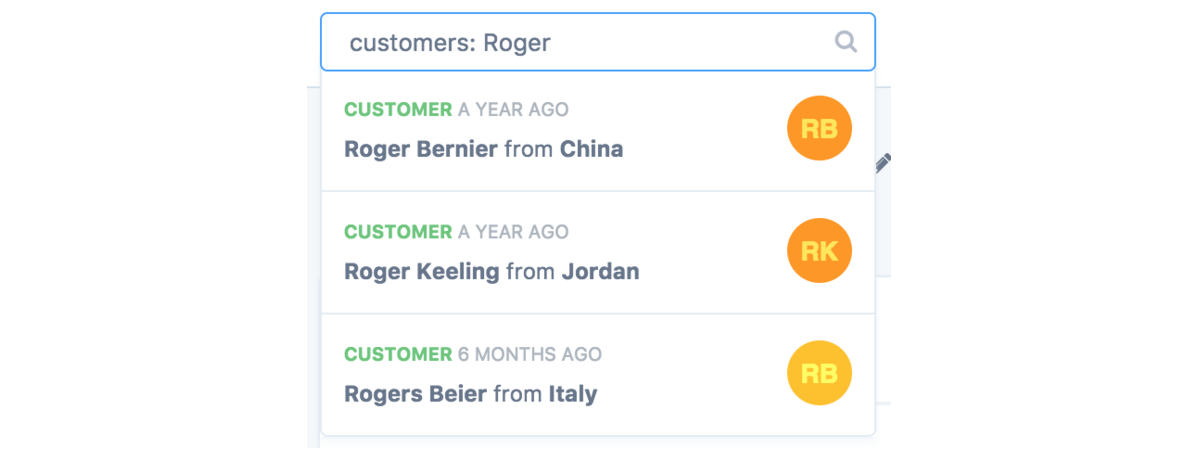
Another great feature it has is the ability to limit your search just to a specific 'resource'. So if I knew I was looking for a specific product or customer, I can limit it by starting the search with the resource. For example, customers: Roger would limit the search to customers that match Roger.
This is probably one of my favorite Metorik features now. I hope it becomes one of yours too!