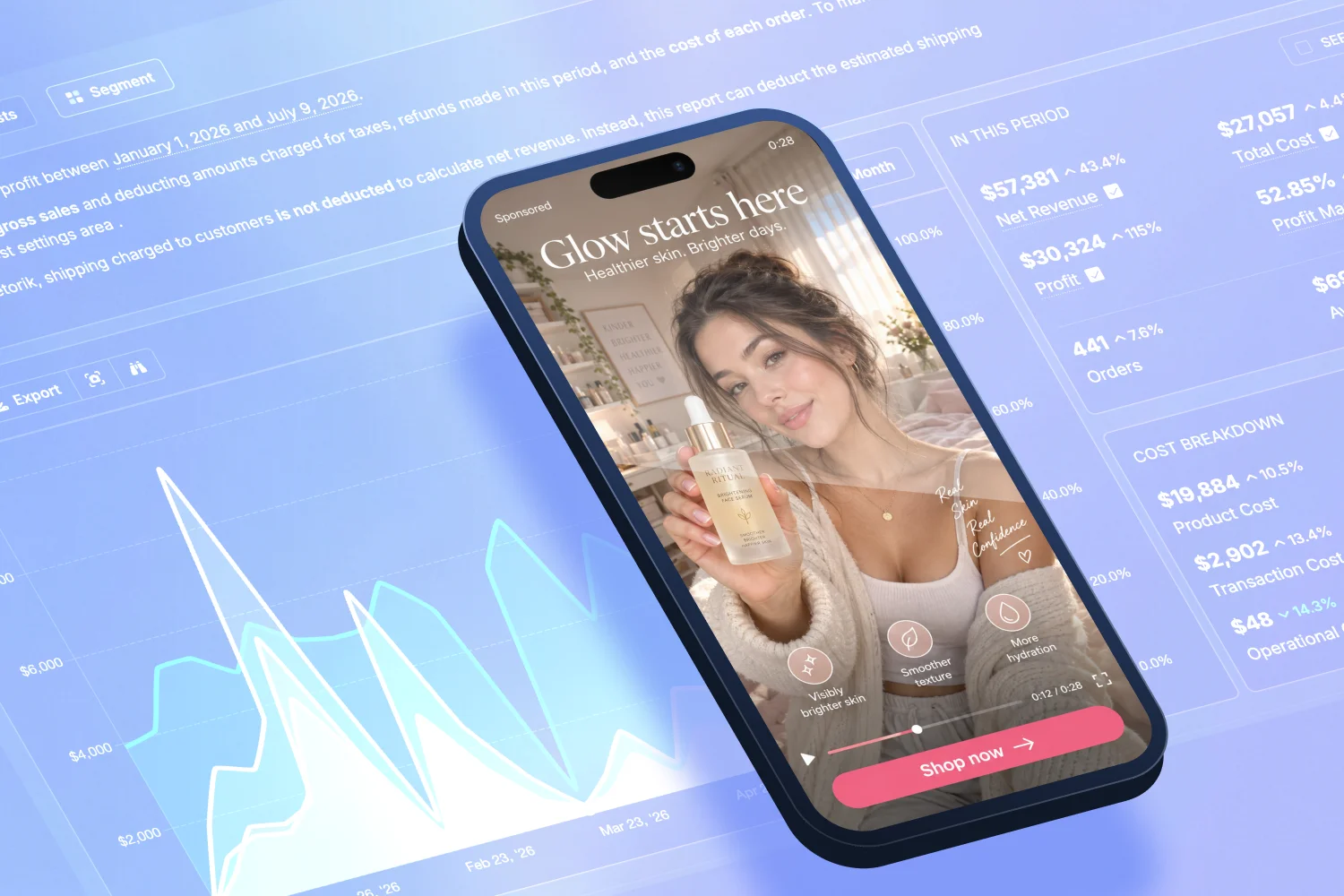

To track ROAS for ChatGPT Ads, you need to combine three things: UTM-tagged destination links, the OpenAI conversion pixel, and most importantly your ad spend synced into a profit report alongside your revenue and costs.
OpenAI's Ads Manager doesn't calculate ROAS for you, and its click-only attribution undercounts the channel's real impact. Metorik now syncs ChatGPT Ads spend directly into your Shopify or WooCommerce profit reporting, so you can see what the channel is actually returning – in profit, not just revenue.
That's the short answer. Here's the full picture.
What are ChatGPT Ads?
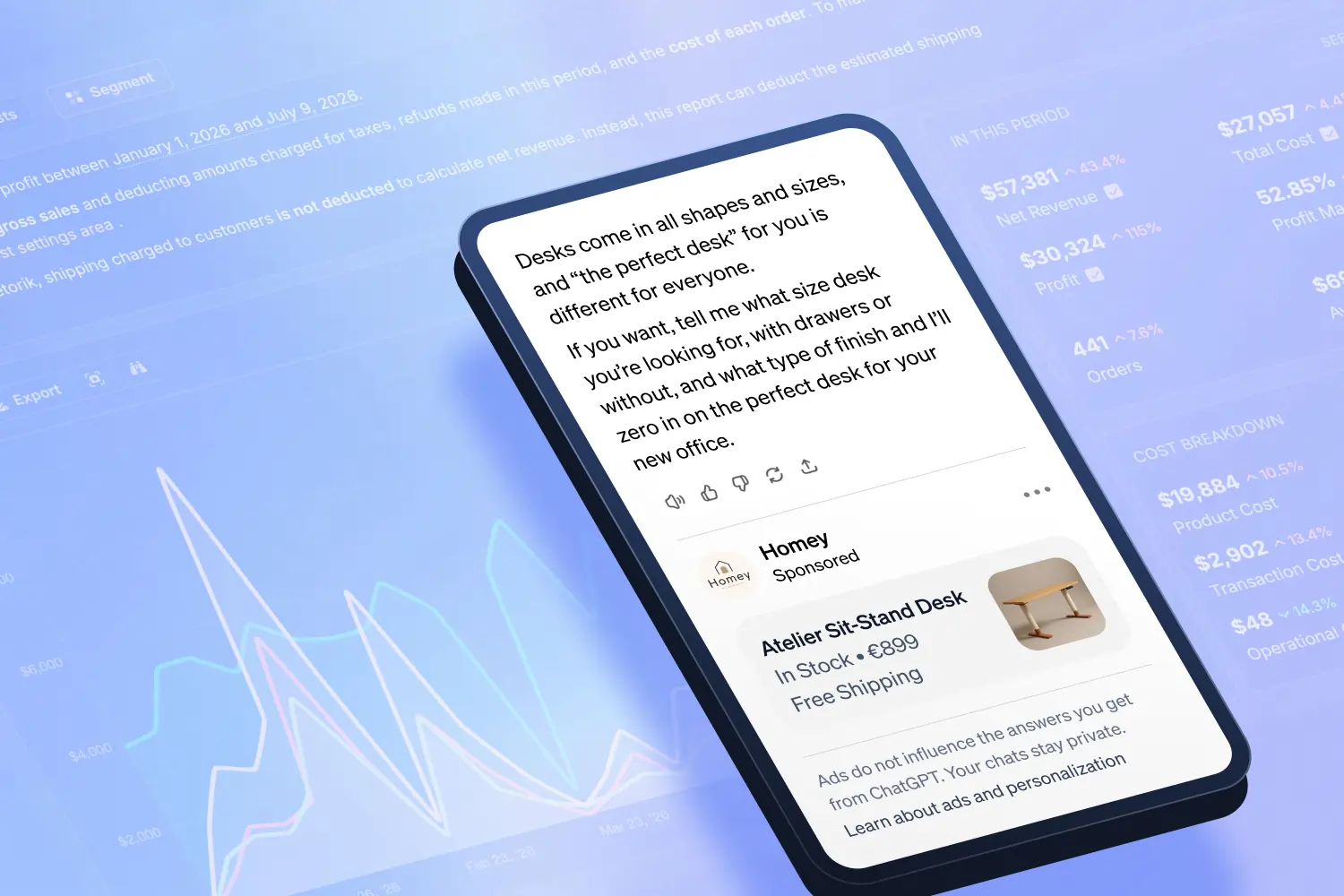
ChatGPT Ads are sponsored placements that appear below ChatGPT's responses for users on the Free and Go tiers. OpenAI opened the platform to all advertisers via a self-serve Ads Manager in May 2026, with no minimum spend, and it's now available to advertisers in the US, Canada, Australia, and New Zealand.
For ecommerce stores, the appeal is obvious: ads are matched to the conversation someone is actually having. Someone asking ChatGPT for "the best trail running shoes under $150" is deep in research mode, and your ad can appear right at that moment.
The catch: measuring whether that's making you money is harder than on any channel you're used to.
Why is ChatGPT Ads harder to measure than Google or Meta?
Four reasons:
1. Click-only attribution.
The OpenAI pixel only tracks conversions from people who clicked your ad. If someone sees your ad, doesn't click, and buys from you two days later after Googling your brand – ChatGPT gets zero credit. The channel's true impact is systematically undercounted.
2. Aggregated reporting.
OpenAI deliberately shares no user-level data. You get totals, not journeys. It's closer to measuring TV than measuring Google Ads.
3. No ROAS in the dashboard.
OpenAI's Ads Manager reports impressions, clicks, spend, and pixel conversions. Metrics like cost per conversion, conversion value, and ROAS have to be calculated yourself.
4. No native store connector.
There's no "connect ChatGPT Ads" button in your Shopify or WooCommerce admin. Unlike Google and Meta, nothing flows back automatically – you have to build the measurement layer yourself.
None of this means the channel is unmeasurable. It means you need to measure it on your side, in your own reporting – which is exactly where a profit-tracking tool earns its keep.
What's a good ROAS for ChatGPT Ads?
Lower than you think – and that can still be fine.
ChatGPT Ads reach people while they're researching, not while they're typing "buy [your product]" into Google. It behaves like an upper-funnel channel: longer paths to purchase, conversions that finish on other channels, and delayed buying decisions. Early advertiser experience suggests a blended return of roughly 2–4x in the first few months is a realistic starting hypothesis for most stores, your mileage may vary.
If you judge it against a branded search campaign doing 5–10x, you'll kill it prematurely. If you judge it on last-click ROAS alone, you'll kill it prematurely too – the clicks it drives are only part of what it contributes.
The right questions are:
Did total revenue and profit go up when this spend was added? (Blended view.)
Did branded search and direct traffic lift while campaigns were running? (Halo effect.)
Are the customers it brings in worth more or less over time than your other channels? (LTV.)
Why ROAS alone will mislead you
Even a perfectly measured ROAS has a blind spot: it compares ad spend to revenue, not to what you keep.
A campaign returning 4:1 sounds healthy. But if it's selling your lowest-margin products, once you subtract COGS, shipping, transaction fees, and your share of operational costs, that campaign can be quietly losing money. Meanwhile a 2.5:1 campaign selling high-margin products might be your most profitable channel.
This is true of every ad platform, but it bites hardest on a new channel like ChatGPT Ads, where:
You don't yet know which products the channel favours
The platform gives you fewer signals to correct with
You're deciding whether to scale, hold, or cut based on early data
The metric that answers "is this a good return?" isn't ROAS. It's profit after all costs, with ChatGPT Ads spend included as one of those costs.
How to track ChatGPT Ads profitability: the checklist
Here's the setup we'd recommend before (or immediately after) launching your first campaign:
Tag every destination URL with UTMs, ie;
utm_source=chatgpt,utm_medium=cpc, plus campaign names. This gives you a clean traffic segment in your analytics, and Metorik's source tracking attaches those UTMs to the orders they produce.Install the OpenAI pixel on your store, and the Conversions API if you can, so click-through purchases are tracked on OpenAI's side.
Sync your ChatGPT Ads spend into your profit reporting. This is the piece most stores skip – and it's the one that answers the actual question.
Use a longer mental attribution window. ChatGPT influenced buyers often convert days later through other channels. Judge the channel over weeks, not days.
Add "ChatGPT" to your post-purchase survey. "How did you hear about us?" responses will capture influence that no pixel can see.
Review blended numbers weekly. Total revenue ÷ total ad spend (MER), and total profit with all costs included. If both improve while ChatGPT spend runs, the channel is working, regardless of what last-click says.
How to install the ChatGPT Ads pixel on Shopify
All of this starts with the OpenAI pixel firing on your store. If you're on Shopify and haven't set it up yet, our step-by-step guide walks through installing the ChatGPT Ads pixel on Shopify with a custom pixel – no app or Google Tag Manager required – including the exact code for tracking page views, add to cart, checkout, and purchases.
Metorik now syncs ChatGPT Ads spend automatically
Metorik's new ChatGPT Ads integration syncs your daily ad costs directly from the OpenAI Ads API into your store's cost and profit reporting, on both Shopify and WooCommerce stores.
Once connected:
Daily spend syncs automatically from your OpenAI Ads account, no CSVs, no manual entry.
ChatGPT Ads appears alongside your other channels: Google, Reddit, Snapchat, Meta, TikTok, Microsoft, and Pinterest in your advertising cost reports, so you can compare spend across everything in one place.
Your profit reports include it automatically. Net profit in Metorik already accounts for COGS, shipping, transaction fees, and operational costs. ChatGPT Ads spend now flows into that same calculation.
Your digests and dashboards update too. Daily or weekly profit digests to email or Slack will reflect the new channel without any extra setup.
To connect it, head to your store's advertising cost settings in Metorik, click Connect next to ChatGPT Ads, and authorise your OpenAI Ads account. Historical and ongoing daily costs will sync from there.
Full setup details are in our help doc.
Not yet on Metorik? You’re missing out! Start your Free 30-Day Trial today in just a few clicks.
FAQ
Does OpenAI's Ads Manager show ROAS?
No. It reports impressions, clicks, spend, and pixel-tracked conversions. ROAS, cost per conversion, and conversion value need to be calculated in your own reporting.
Does ChatGPT Ads have a native Shopify or WooCommerce integration?
No. OpenAI provides a pixel and Conversions API, but there's no store-side connector. Metorik bridges the gap by syncing your ad spend from the OpenAI Ads API into your store's profit reports.
Should I expect the same ROAS as Google Ads?
No. ChatGPT Ads reaches people mid-research rather than mid-purchase, so direct-attributed ROAS will look lower even when the channel is genuinely profitable. Judge it on blended revenue, profit, and branded-search lift over a multi-week window.
Is ChatGPT Ads the same as ChatGPT shopping / Instant Checkout?
No. Product results and agentic checkout in ChatGPT are organic – you can't pay for placement there. ChatGPT Ads is the separate paid product with clearly labelled sponsored placements.
Does the Metorik integration work for WooCommerce?
Yes. The ChatGPT Ads cost sync works identically for both Shopify and WooCommerce stores.
ChatGPT Ads is the newest line on your P&L. Make sure it's on there. Connect the integration in Metorik today and see what the channel is really returning.