
Every year, thousands of stores make the move from Shopify to WooCommerce. For some it comes down to economics: because you host WooCommerce yourself, there's no monthly platform fee and no transaction fees on top of your gateway rates, and you pick which paid extensions to add rather than paying for a bundle. It's a different cost model rather than a free one, but for plenty of stores the maths works out.
Some do it for control over their checkout, their code, and their data. And some have the decision made for them: when a hosted platform updates what it allows in a product category, as Shopify recently did for vape and e-cigarette sellers, the affected stores can find themselves moving on a short timeline.
Whatever brought you here, the move itself is only half the job. WooCommerce is a different kind of platform to Shopify. (If you're still weighing the two before committing, our Shopify vs WooCommerce comparison covers that decision in depth.) You've swapped a landlord for a set of keys, and there are a few things that catch almost every migrating merchant off guard.
Here are the five that matter most.
1. Check your redirects before you check anything else
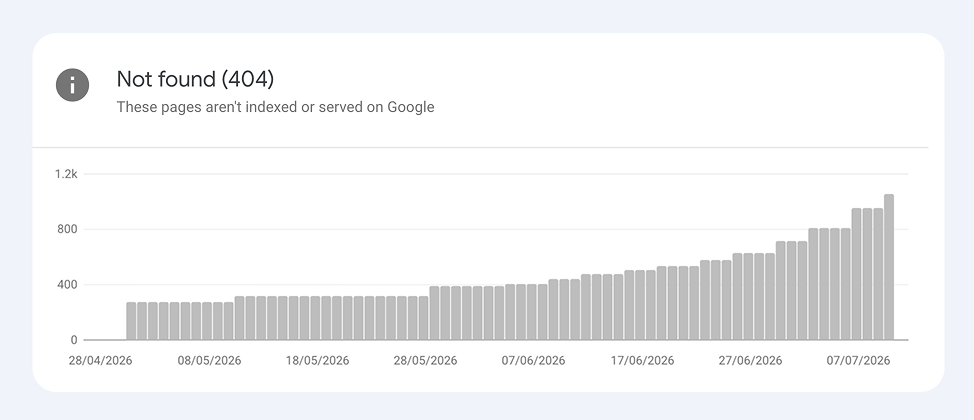
The single most expensive mistake in a Shopify-to-Woo migration isn't a broken plugin or a dodgy theme. It's URL structure.
Shopify and WooCommerce use different URL patterns, and collections, pages, and blog posts all shift too. Every one of those old URLs has backlinks, Google rankings, and bookmarks pointing at it. If they 404, that equity evaporates, and your organic traffic goes with it.
The fix is boring but non-negotiable: map every old URL to its new equivalent with a 301 redirect. A redirection plugin handles the mechanics; the work is in the mapping. Then reconnect Google Search Console and Analytics to the new site, resubmit your sitemap, and watch the coverage report for a few weeks for anything you missed.
If your migration was rushed (and forced migrations usually are), assume this wasn't done properly and audit it now. Crawl your old URLs, see where they land, and patch the gaps. A weekend of tedium here can save months of lost traffic.
2. Your reporting just fell off a cliff
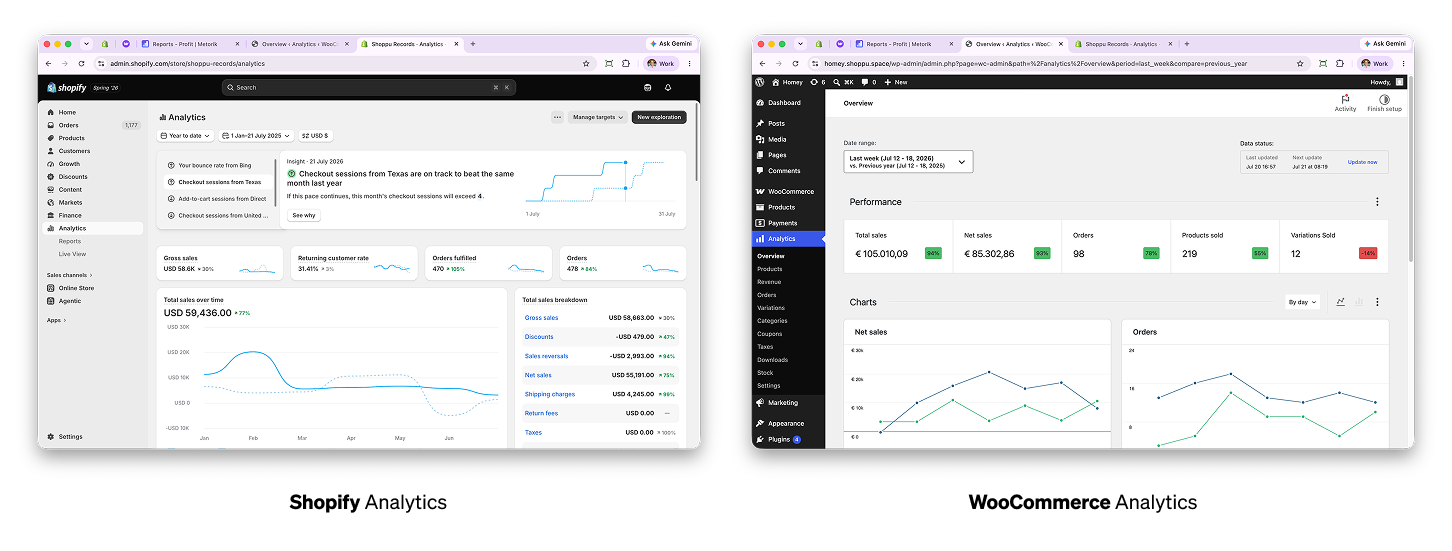
This is the one nobody warns you about, and it's usually the first thing you feel.
Shopify's built-in analytics are genuinely decent. Sales over time, sales by channel, customer cohorts, returning customer rate, average order value trends: it's all there out of the box, and you probably checked it every morning without thinking about it.
WooCommerce's built-in analytics are... not that.
You get basic revenue and order charts, some product tables, and that's roughly it. No proper customer analytics. No cohorts. No segmentation worth the name. No sense of which customers are one-and-done versus which ones keep coming back. For a lot of merchants, the first month on Woo feels like running the store with the lights off.
The good news: this is a solved problem, and the solution is arguably better than what you left behind.
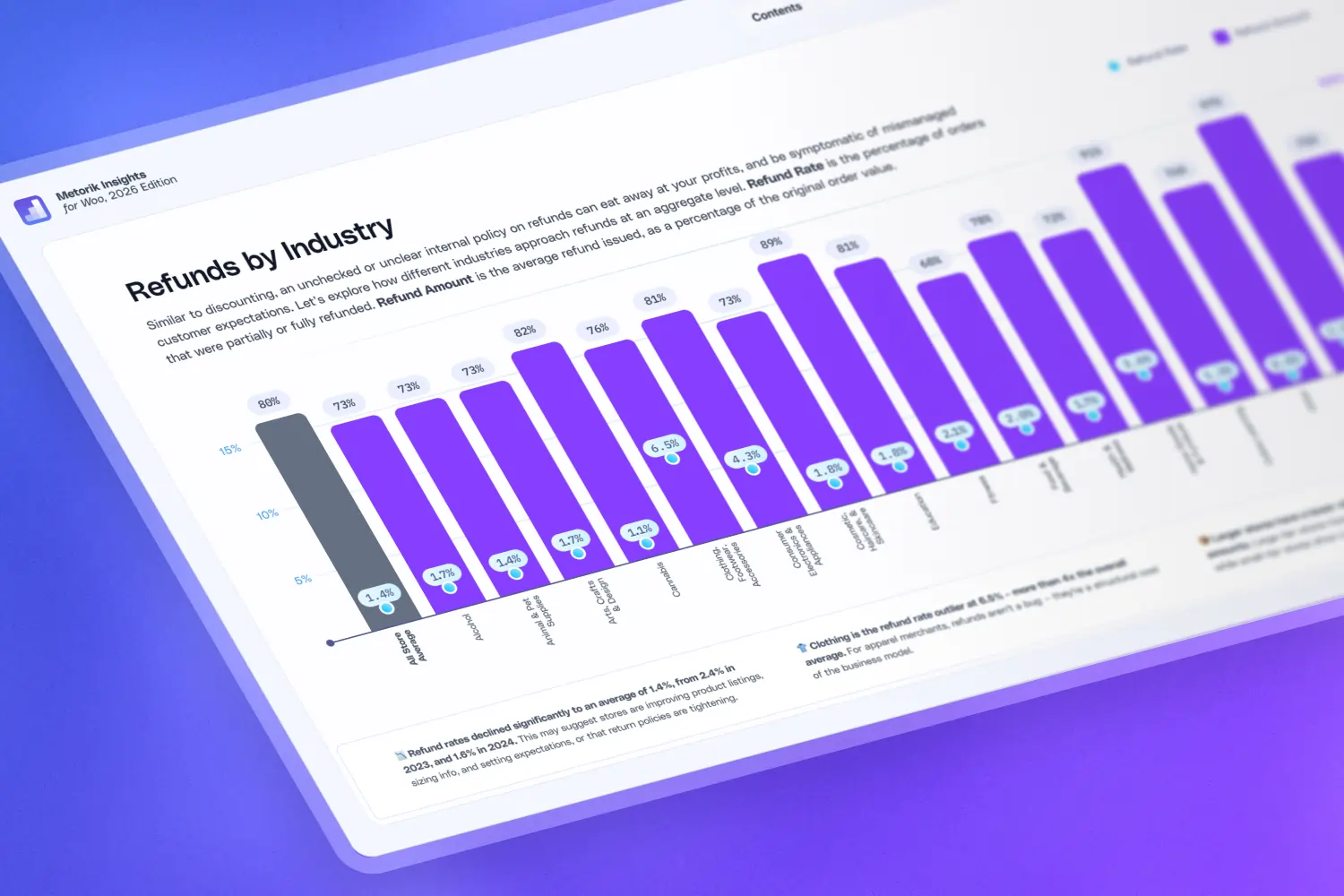
Metorik connects to your WooCommerce store in a couple of minutes and gives you a full reporting suite: real-time dashboards, customer segmentation, cohort analysis, product reports, subscription analytics, costs and profit reporting, and automated email digests so the numbers come to you. Most merchants who move from Shopify tell us the same thing: they expected to recover the reporting they lost, and ended up with more than Shopify ever gave them.
If you only fix two things from this list in your first week, fix #1 first (redirects), then come back and fix this one. Every other decision you make about the store, from what to stock to what to spend on ads to who to email, depends on being able to see what's actually happening.
3. Payments didn't move with you
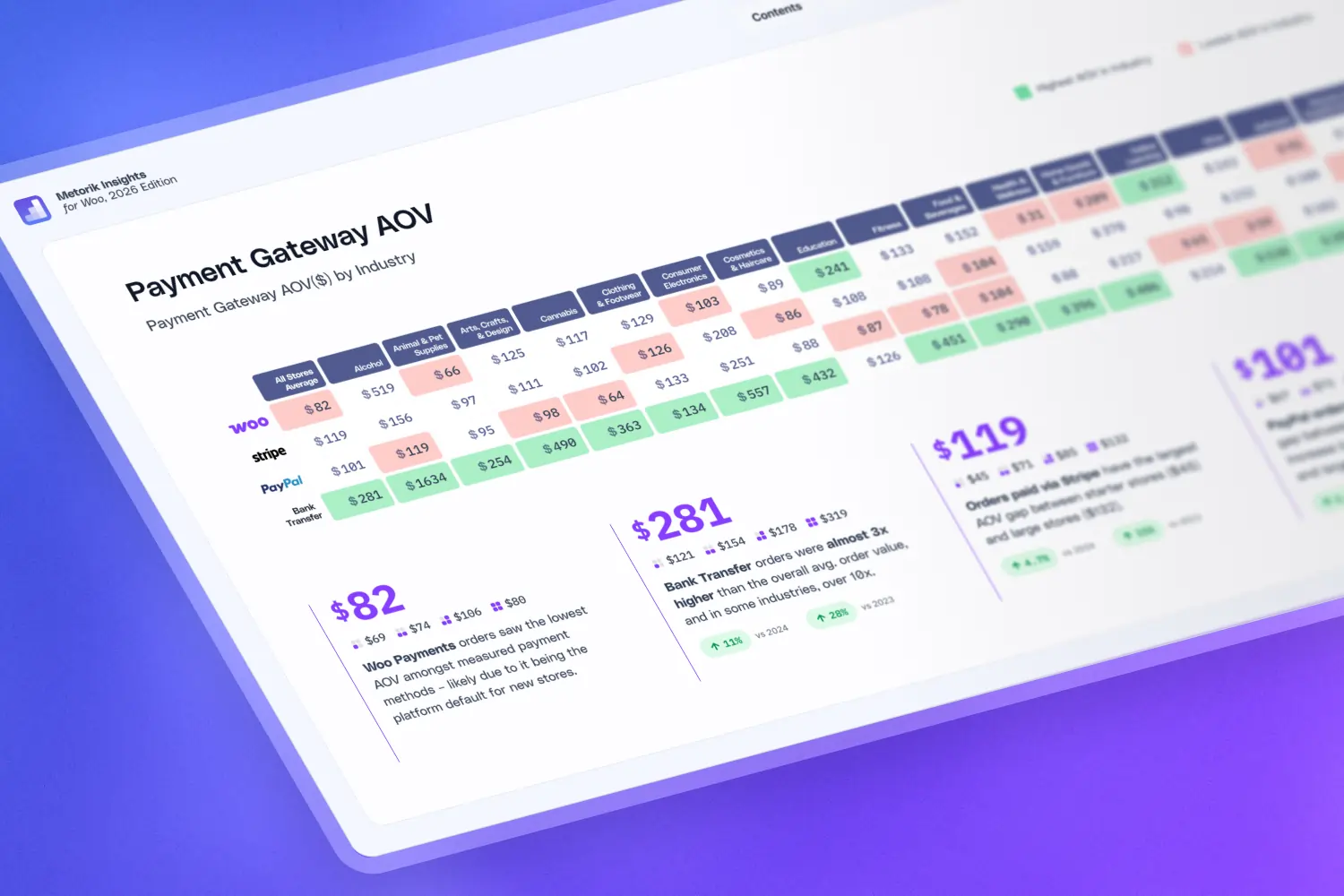
On Shopify, payments were mostly handled for you. On WooCommerce, you choose your own payment gateway, which is a genuine advantage but also another thing you now need to do.
For most stores, the mainstream options (Stripe, PayPal, Square) plug straight in and you're done. But if you're in a category those processors consider high-risk (and if a platform policy change is what pushed you off Shopify, you almost certainly are), read their acceptable use policies carefully before you build around them. Moving platforms doesn't change how payment processors classify your products, and getting your gateway account frozen mid-trade is an even bigger setback than switching storefronts in the first place.
High-risk merchants typically need a specialised gateway through an acquiring bank that knowingly underwrites the category. It takes longer to set up and costs more per transaction, but it won't vanish on you. Sort this before launch day, not after.
While you're in there: test the full checkout end to end, covering taxes, shipping rates, transactional emails, and refunds. Woo gives you control over all of it, which also means nothing is configured until you configure it.
4. You're the sysadmin now
This is the trade at the heart of the whole move. On Shopify, hosting, security, updates, and backups were someone else's problem, bundled into the monthly fee. On WooCommerce, they're yours.
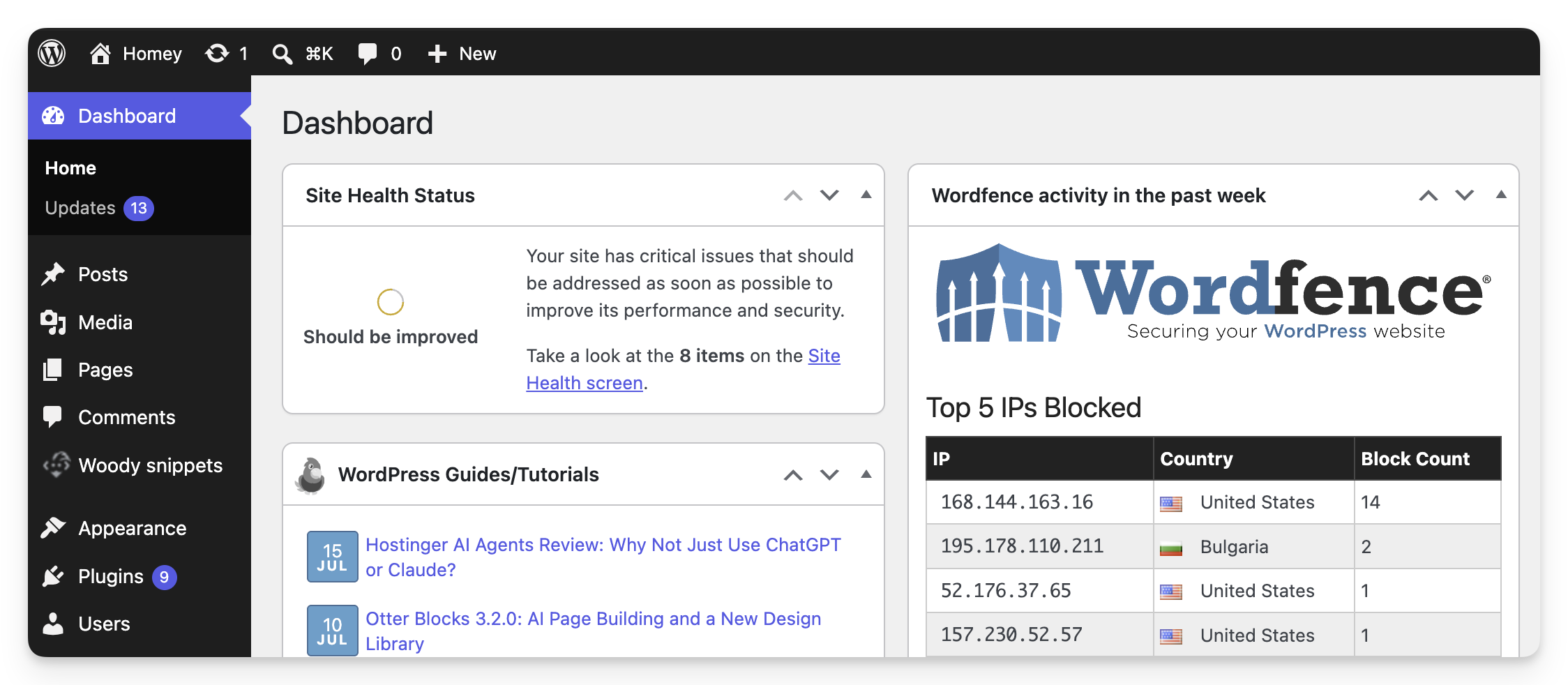
That's less scary than it sounds, but it does need a checklist:
Hosting. Get proper managed WordPress/WooCommerce hosting, not the cheapest shared plan you can find. Your store's speed and stability live here.
Backups. Automated, daily, stored off-server. Test a restore once so you know it does work, and how it works, before you need it – 3:12am is not a great time to be learning how to restore your website.
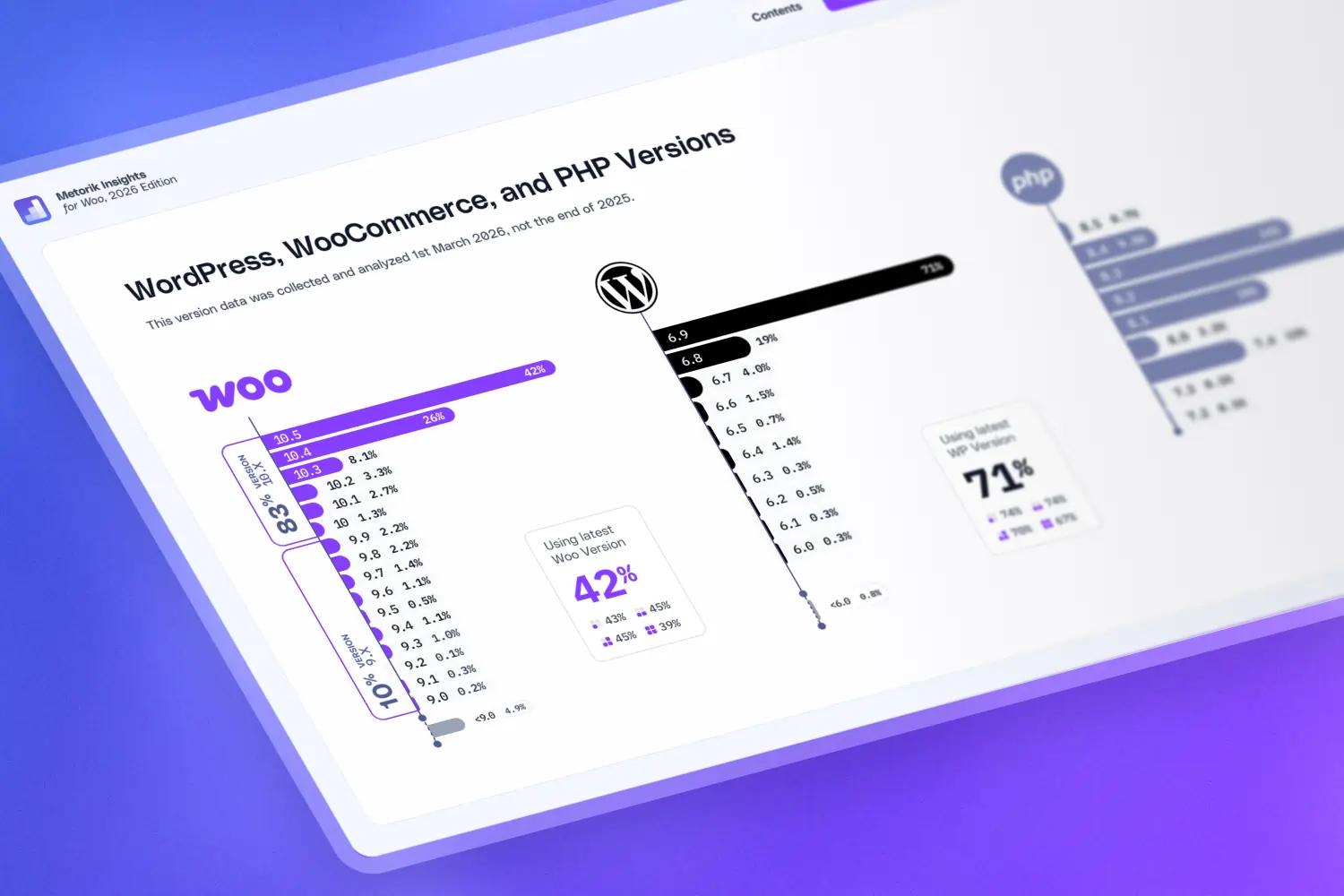
Updates. WordPress core, WooCommerce, your theme, and every plugin need regular updating. Use a staging site to test updates before they hit production.
Security. An SSL certificate (usually free from your host), a security plugin such as Wordfence, and/or a CDN like Cloudflare, strong admin credentials, and two-factor authentication.
None of this is hard. It's just ongoing, and it's the part of platform ownership that's easy to overlook until it's yours. Budget a few hours a month for it, or pay your host or an agency to handle it.
5. The upside: the store is genuinely yours
After four points of homework, here's the payoff, and it's the reason most merchants who make this move never go back.
On WooCommerce, you own the store. Not "own" in the loose sense of paying for an account. You own the software, the database, the customer records, the order history, the code. Because there's no central platform setting the rules, a change to an acceptable use policy can't remove your product category out from under you. Your store stays where you put it.
The recent wave of stores moving off hosted platforms made this distinction clear: on hosted eCommerce you're effectively a tenant, and the platform's terms can change in ways you don't control. On Woo, that platform-level policy risk isn't part of the picture. Your compliance obligations are between you and the law, where they should be.
Ownership extends to your data, too. Every order, every customer, every historical trend is sitting in your own database, exportable and portable forever. Pair that with proper reporting and you've got complete visibility into a business that's fully in your hands.
Settling in
The first month on WooCommerce is mostly about closing the gaps this post covers: get your reporting back, verify your redirects, lock in payments, set up your maintenance routine. After that, the platform gets out of your way, and the flexibility that brought you here starts paying for itself.
If the reporting gap is the one stinging most right now, start a free Metorik trial. It connects to your Woo store in minutes, backfills your historical data, and gives you back the morning dashboard habit. Most merchants are looking at better numbers than they had on Shopify by the end of day one.
💜 Welcome to Woo. You'll like it here.